Farming Simulator FarmSim 25 Tools & Specs
Controls references and system requirements in one place.
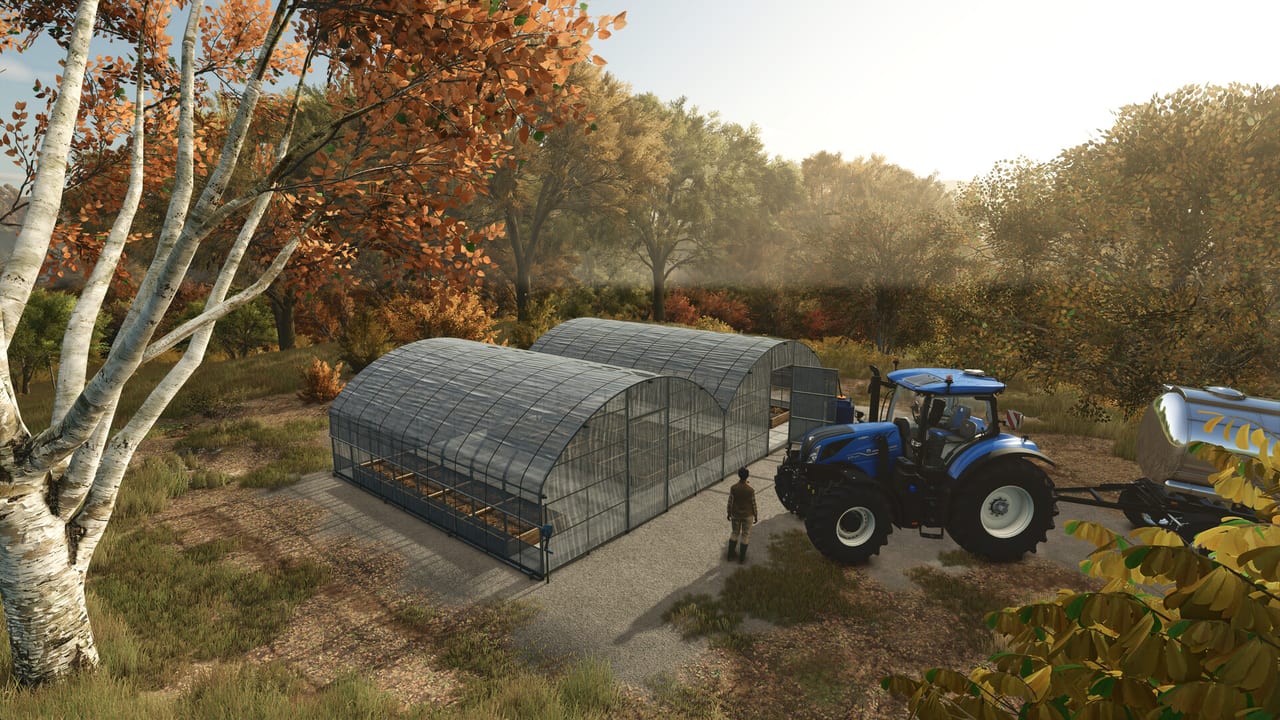
The Tools hub collects practical references every Farming Simulator 25 player reaches for: default controls, GPS steering assist reminders, and hardware requirements across PC, Mac, PlayStation 5, Xbox Series X|S, and Steam Deck. Pair these pages with the Guides Hub when you need full tutorials, and with the Tier List Hub when you are shopping for tractors or mods.
Farming Simulator 25 is a deep simulation—menus for production chains, animals, contracts, and construction sit beside vehicle tool groups that change every time you hitch a new implement. Bookmarking a clean controls sheet saves more time than another impulse ModHub download.
Pages in this hub
- Controls — PC keyboard defaults (WASD movement, shop, menu, use, timescale, map, attach/detach), console notes, and how GPS / steering assist fits into fieldwork.
- System Requirements — official minimum and recommended PC specs, macOS Apple silicon notes, console platforms, and Steam Deck Playable status.
- Multiplayer — hosted sessions versus dedicated servers, cross-play, DLC matching, mod sync, farm slots, and co-op habits.
Who should start here
New PC players — learn attach (Q), shop (P), timescale (7/8), and map (9) before leasing a combine you cannot unload. Jump next to Getting Started.
Console farmers — confirm button prompts in the in-game help overlay, then focus on GPS steering assist for straight lines while stock AI covers simple jobs.
Hardware checkers — verify DirectX 12 GPU VRAM and storage headroom before installing large map mods on top of the ~45 GB base footprint.
How these tools connect to the rest of the wiki
Controls knowledge makes Best Tractors upgrades feel better—cruise control, tool groups, and steering assist matter more once horsepower climbs. System requirements inform whether Courseplay-heavy PC saves or console ModHub farms are the right path; see Best Mods for platform limits. When GIANTS ships patches or DLC, skim the Updates Hub then retest keybinds if a patch resets custom input.
Official manuals, ModHub, and support portals are listed on Links if you need primary sources beyond this wiki.
Quick tips before you dig in
- Open the in-game help panel (
F1on PC by default) whenever a new tool highlights context actions. - Rebind only after you understand defaults—muscle memory transfers better between farms and multiplayer hosts.
- On Steam Deck, expect Playable-level tweaks: readable UI scaling and verified controls help more than chasing ultra settings.
- Keep a spare 20+ GB free beyond the installer size for DLC, shader caches, and ModHub maps.
Use the two child pages below as living checklists—update your personal notes when you change platforms or install a steering wheel / farm panel.
Frequently Asked Questions
Quick answers to the most common FarmSim questions.
What tools pages does this Farming Simulator 25 hub include?
Controls (keyboard, console notes, GPS assist), System Requirements (PC, Mac, PS5, Xbox Series, Steam Deck), and Multiplayer co-op setup.
Where do I learn FS25 multiplayer setup?
Open the Multiplayer page for hosted sessions, dedicated servers, cross-play filters, and DLC or mod matching before invite night.
Do I need mods to use GPS steering assist?
No. Steering assist / GPS guidance is a built-in FS25 feature on supported vehicles. Mods like Courseplay are separate PC automation tools.
Where should absolute beginners go after Tools?
Read Controls, then follow Getting Started in the Guides hub before spending heavily in the shop.
Are system requirements the same on Steam and the GIANTS site?
They match in CPU/GPU targets; storage figures sometimes show ~45 GB on the official site versus higher Steam listings—budget extra space for DLC and mods either way.