Getting Started in Farming Simulator 25
New Farmer mode, Riverbend Springs, shop basics, timescale, and your first profitable fields.
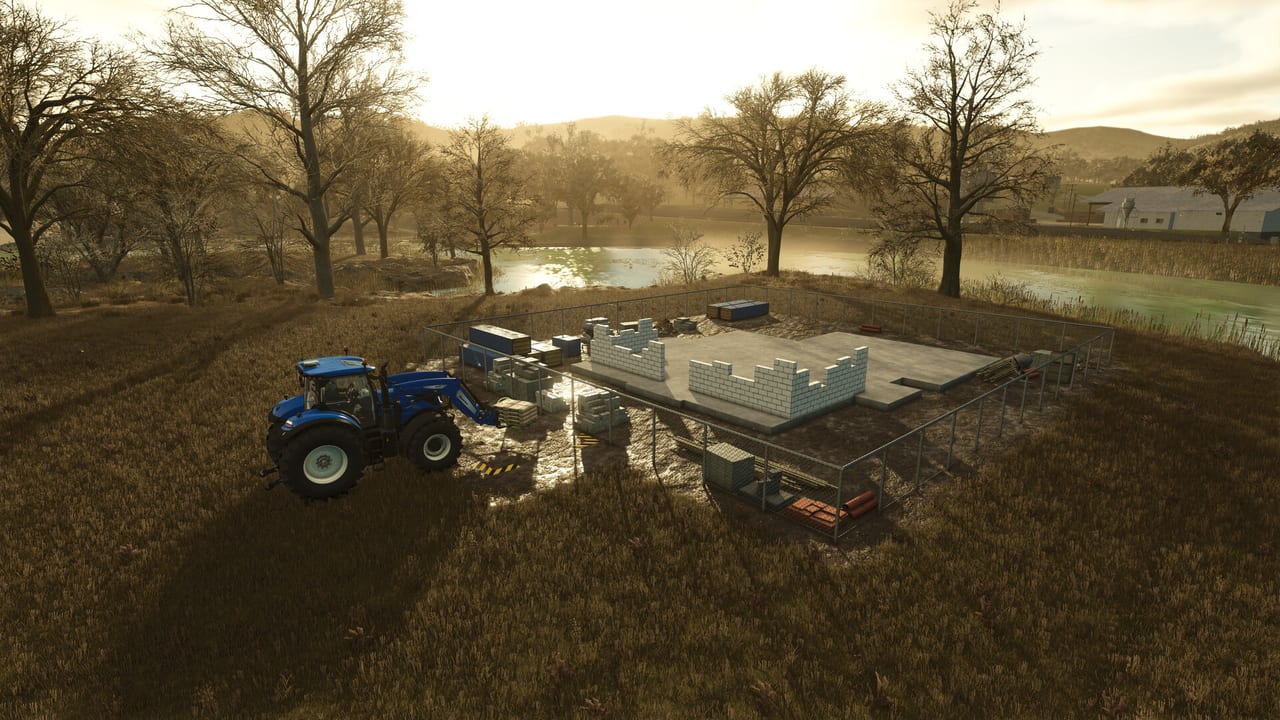
Farming Simulator 25 (often shortened to FarmSim or FS25) is approachable once you know which settings matter on day one. This guide walks you from a new save to a working field loop on Riverbend Springs, the North American beginner map that ships with the base game alongside Hutan Pantai and Zielonka. The advice applies on PC, Mac, PlayStation 5, and Xbox Series—the shop, farmland map, and tutorial flow are shared even when controls differ.
GIANTS Software released Farming Simulator 25 on 12 November 2024 (Steam app 2300320). You do not need DLC to learn the core loop: prepare soil, plant, care for the crop, harvest, sell or process, then reinvest.
Choose New Farmer and the right map
When you create a save, pick New Farmer if you want owned farmland, starter vehicles, and a small animal setup so you can learn systems without a pure scratch economy. Farm Manager and Start from Scratch variants give more cash or less equipment—great later, rough for a first save.
Riverbend Springs is the recommended first map: clear roads, grain barge terminals, productions you can visit early, and 25 historical collectibles that each pay $10,000. Hutan Pantai is better once you want rice paddies and water pumps. Zielonka fits players who prefer Central European field layouts. You can always start a second save later; nothing forces you to stick with one map forever.
Before you unpause, open the game settings and set a calm timescale. A fast clock makes weeds, fertilizer windows, and animal hunger feel punishing while you are still learning menus. Many players keep days slow until the first harvest is sold, then speed up overnight sleeps. Turn seasonal growth on only if you want planting months to matter—read Crops and Calendar before you commit.
Finish the tutorial prompts
FS25 surfaces guided tasks for entering vehicles, attaching implements, and visiting the shop. Complete them. They unlock comfort with hitching, folding tools, and the map filters you will use constantly. Skip only if you already know the series cold—and even then, skim the new production and animal UI.
Learn these map overlays early:
- Farmland — buy or sell parcels and see prices.
- Soil composition — lime need, fertilization state, plow requirement, weeds.
- Crops — what is growing where.
- Prices — where to tip grain and when a crop is hot.
Field info also appears when you look at a field: needs lime, fertilization stages, weed state, and plow state. Fix soil problems before you seed; planting into a yellow-flagged field wastes seed money. Details live in Crops and Calendar.
The shop key (P) and your first equipment
Press P to open the shop (controller players use the menu equivalent). Browse by category rather than impulse-buying the biggest tractor:
- Confirm you own a tractor with enough horsepower for your cultivator or seeder.
- Check Yield Improvements for fertilizer spreaders and lime-capable tools.
- Buy seed, fertilizer, lime, and diesel as consumables—not as afterthoughts.
- Use the Configurations tab for tires, weights, and GPS options before you confirm purchase.
GPS steering assist is built into many modern machines. Enable it for long, straight passes once the implement is lowered. It will not replace planning headlands, but it stops wavy rows while you learn camera angles.
Leasing versus buying
Leasing is the beginner safety net. If a contract needs a specialized header or a one-off plow, lease for the job instead of locking six figures into iron you rarely use. Buying makes sense for tools you run every week: a mid-size tractor, cultivator, seeder, tipper, and a fertilizer spreader that can also handle lime when configured.
Rules of thumb:
- Lease seasonal specialists, oversized harvesters for a single contract, and forestry gear you are only testing.
- Buy the daily driver tractor, basic tillage, a versatile tipper, and feed tools once animals are permanent.
- Repair at the shop before breakdowns strand you mid-harvest. Damaged tools work slower and cost more later.
Contracts often let you lease the exact equipment for that mission—use that path while reading How to Make Money.
Your first fields on Riverbend Springs
On a New Farmer Riverbend start you already control starter parcels. Do not buy half the map on day one. Instead:
- Open soil composition and lime any field that needs it.
- Clear weeds with a weeder or herbicide sprayer as appropriate for growth stage.
- Fertilize toward two stages when you can—yield multiplies faster than almost any other early upgrade.
- Cultivate or plow only when the field state requires it (after root crops or when plow state is flagged).
- Seed a forgiving crop such as wheat, barley, or canola depending on the calendar month if seasons are on.
- Harvest into a tipper and sell at a strong price point, or store in a silo if prices are down.
While that crop grows, run contracts and hunt collectibles so you are not staring at a growth bar. Parallel income is how beginners avoid loans they do not understand yet.
Animals can wait (a little)
New Farmer may hand you a small cow pasture. Do not expand the herd until you can supply feed. Grass alone caps productivity; hay or silage is better; TMR (hay + silage + straw + mineral feed) reaches 100% for cows, water buffalo, and Highland cattle. Learn the mixer wagon workflow in Animals and TMR before you buy more livestock.
Production, forestry, and mods—after the basics
Place a simple greenhouse only when you have a water plan and spare cash—covered in the money guide. Forestry with a chainsaw and winch can fund machines without waiting on seasons; see Forestry Guide. On PC, wait until the save feels stable before stacking Courseplay, AutoDrive, and friends—Mods Guide explains ModHub and version matching.
First-session checklist
- New Farmer + Riverbend Springs + comfortable timescale.
- Finish tutorial prompts; learn farmland and soil map filters.
- Open shop with P; configure tires/GPS before big purchases.
- Lease specialists; buy only core tools.
- Lime, fertilize, weed, then seed the starter fields.
- Take easy contracts and collect $10k museum items between field jobs.
- Bookmark Guides Hub so the next system has a landing page.
Master this loop and every other FS25 system—rice paddies, sawmills, production chains—stops feeling mysterious. Slow the clock, fix the soil, sell the first harvest, then expand on purpose.
Frequently Asked Questions
Quick answers to the most common FarmSim questions.
Should I start Farming Simulator 25 on Riverbend Springs?
Yes for most beginners. It is the North American starter map with clear logistics, collectibles worth $10,000 each, and a gentle introduction before Hutan Pantai rice or Zielonka layouts.
What does the P key do in FS25?
P opens the shop on PC. Buy or lease vehicles, tools, and consumables there, and always check configurations such as tires, weights, and GPS before confirming.
Is leasing better than buying at the start?
Lease specialized or one-off machines, especially for contracts. Buy the tractor and implements you will use every week so lease fees do not drain long-term profit.
Do I need seasonal growth enabled?
No. It is optional. Enable it for realism and calendar planning; leave it off if you want simpler planting while learning. See the crops calendar guide for month windows.
When should I add more animals?
After you can supply better feed than grass. Aim for hay or silage, then TMR for full cow, buffalo, and Highland productivity before expanding the herd.